
Moonitor is a desktop app for tracking what you hold in crypto, and it runs on Windows 10 and later, on both 64-bit Intel and AMD machines and on Arm. Your portfolio lives on your own PC. There is no account to create and no exchange to log in to.
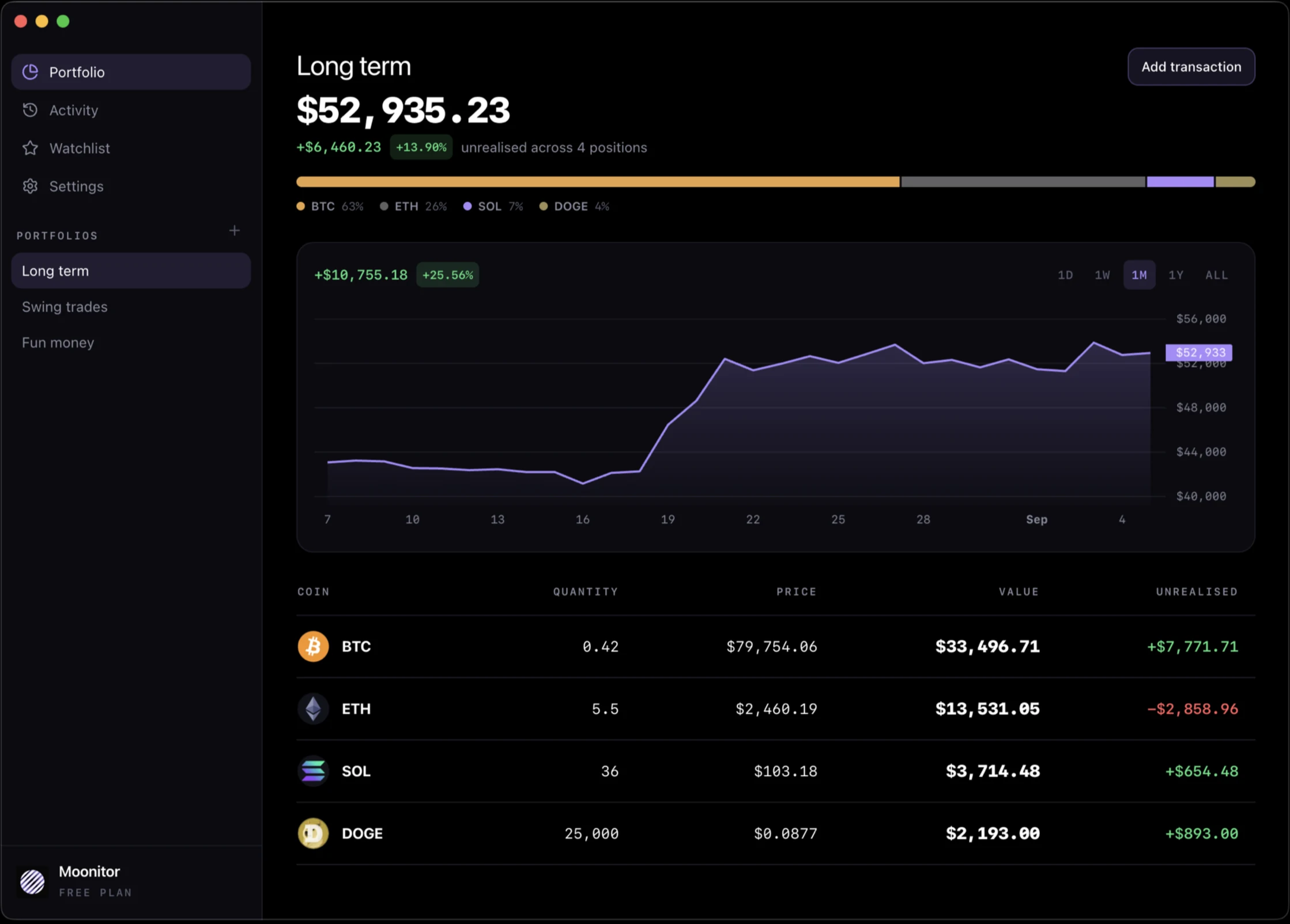
It is the same app as on the Mac, with the same screens and the same numbers. This page covers what is specific to Windows: which file to download, how Pro is unlocked, and how to sync.
Which file to download
There are two, both on the download section of the home page.
- The .exe installer. The one for almost everyone. A single installer covers both 64-bit and Arm PCs, so there is no architecture to pick.
- The .msi package. For IT departments deploying through Group Policy or Intune. If you are installing on your own PC, you do not need it.
Both install the same app, and both update the same way.
How Pro works on Windows
The free version is not a trial. It covers live prices from all 16 exchanges, unlimited transactions, sync and backups, up to 5 coins, 1 portfolio, 10 watchlist markets and 1 price alert, for as long as you like.
Pro removes those limits. On Windows it is a licence key: you buy it on moonitor.io, we email you a key, and you paste it into Settings. It is a one-time purchase, not a subscription.
The key is checked on your own PC, offline. Moonitor does not contact a server to decide whether you are allowed in, which matters for an app sold on being private, and it means Pro keeps working whatever happens to us. The same key also unlocks the Linux version and the direct Mac download.
Keeping your PC in step with your other devices
Everything lives on your PC, so decide how it reaches your other machines. There is no Moonitor cloud to do it for you, by design.
A folder you already sync. Point Moonitor at a folder inside OneDrive, Dropbox, Google Drive or Syncthing, and every machine watching that folder stays up to date: another Windows PC, a Mac, or a Linux laptop. OneDrive is already on most Windows PCs, so it is usually the least effort.
Folder sync handles the awkward case properly. If you edit on two machines at once, those services keep both copies under different names rather than picking a winner. Moonitor reads everything in the folder and merges it, so nothing is lost and nothing is silently overwritten.
A backup file. Settings can export the whole portfolio to a file and import it back, which is also the way to move to a new PC.
iCloud sync is only available in the Mac App Store version, so it is not an option on Windows. Moonitor for Mac explains how the Apple side fits together.
Price alerts on Windows
Set a price on any coin, above or below, and Moonitor tells you the moment the market crosses it with a normal Windows notification.
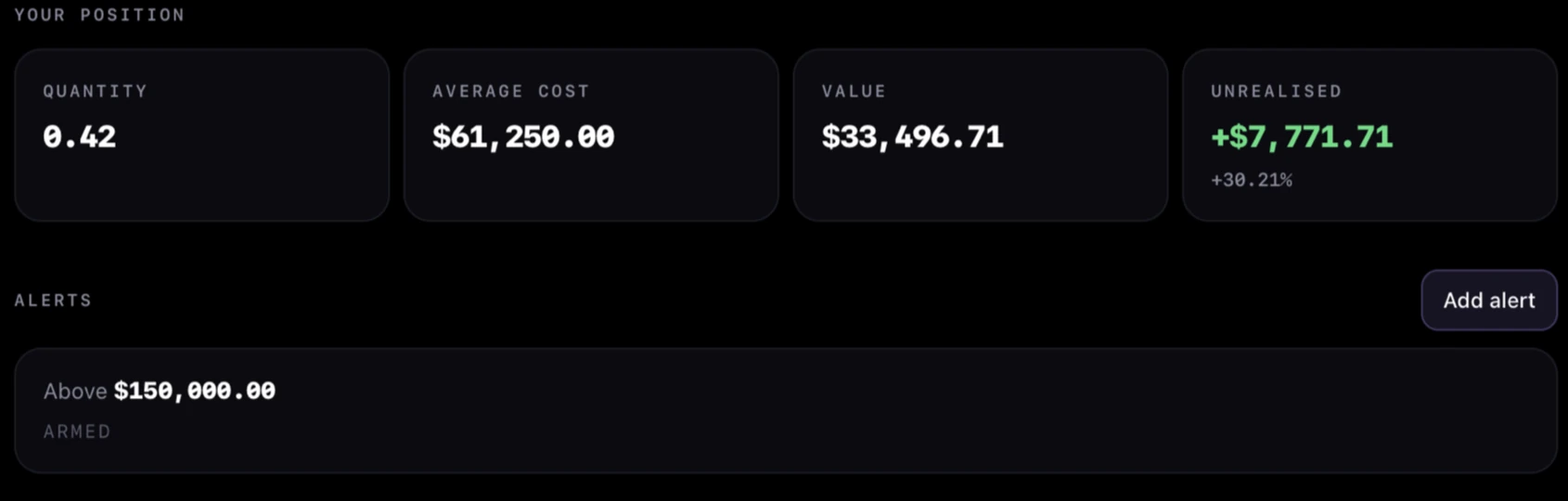
Alerts on the desktop run while the app is open. Nothing sits on a server watching the market for you, because nothing needs to: a PC that stays on while you work is the natural place for it. Leave the window on a second monitor and it does the job. If you want alerts when the app is closed, Moonitor for iPhone has them.
What it does not do
It is worth being plain about this, because it is the main way Moonitor differs from the trackers you will find in the Microsoft Store or in a browser tab.
Moonitor never connects to your exchange account. There is no API key field and no wallet address to paste. It reads public prices from exchanges, and you record what you hold. If you buy on an exchange, you add that purchase in Moonitor as well.
That is the price of nobody else holding a copy of your balances. If automatic syncing matters more to you than that, a tracker that takes read-only API keys will suit you better. The reasoning is laid out in crypto portfolio tracker without API keys.
Getting started
Once it is installed, how to track your crypto portfolio on desktop walks through adding your first coin, recording what you paid, and reading the portfolio screen. It takes a few minutes.
