
Binance is the most common starting point for a portfolio, and it is one of the 16 exchanges Moonitor reads prices from. This guide covers setting up Binance or Binance US holdings and what to watch out for.
The short version
You will not connect your Binance account. Moonitor reads Binance's public price feed and you enter what you hold. Nothing in the setup asks for a login, an API key, or a 2FA code.
If you were expecting to paste an API key, read crypto portfolio tracker without API keys first, because the trade off is worth understanding before you spend time on setup.
Binance or Binance US
These are separate exchanges with separate price feeds, and Moonitor treats them as such.
- Binance is the global exchange. Most pairs quote against USDT.
- Binance US is the American entity. Fewer pairs, and more of them quote directly against USD.
Pick the one you actually trade on. Prices differ between them, sometimes by enough to matter, and tracking your US holdings against global Binance prices will quietly give you the wrong totals.
Both are available on the free plan, along with the other fourteen.
Adding your first pair
In Moonitor, choose Binance as the exchange and search for the pair you hold. A few things about pair naming save time here:
- Spot pairs are written base first, quote second:
BTC/USDTis Bitcoin priced in Tether. - If you bought with USDT, which most Binance users do, you want the
/USDTpair rather than/USD. - Stablecoin quoted pairs like
/USDT,/BUSDand/FDUSDtrack the dollar closely but are not identical to it. For portfolio totals the difference is usually noise.
Add the pair and it appears with a live price, 24 hour change, high, low and volume.
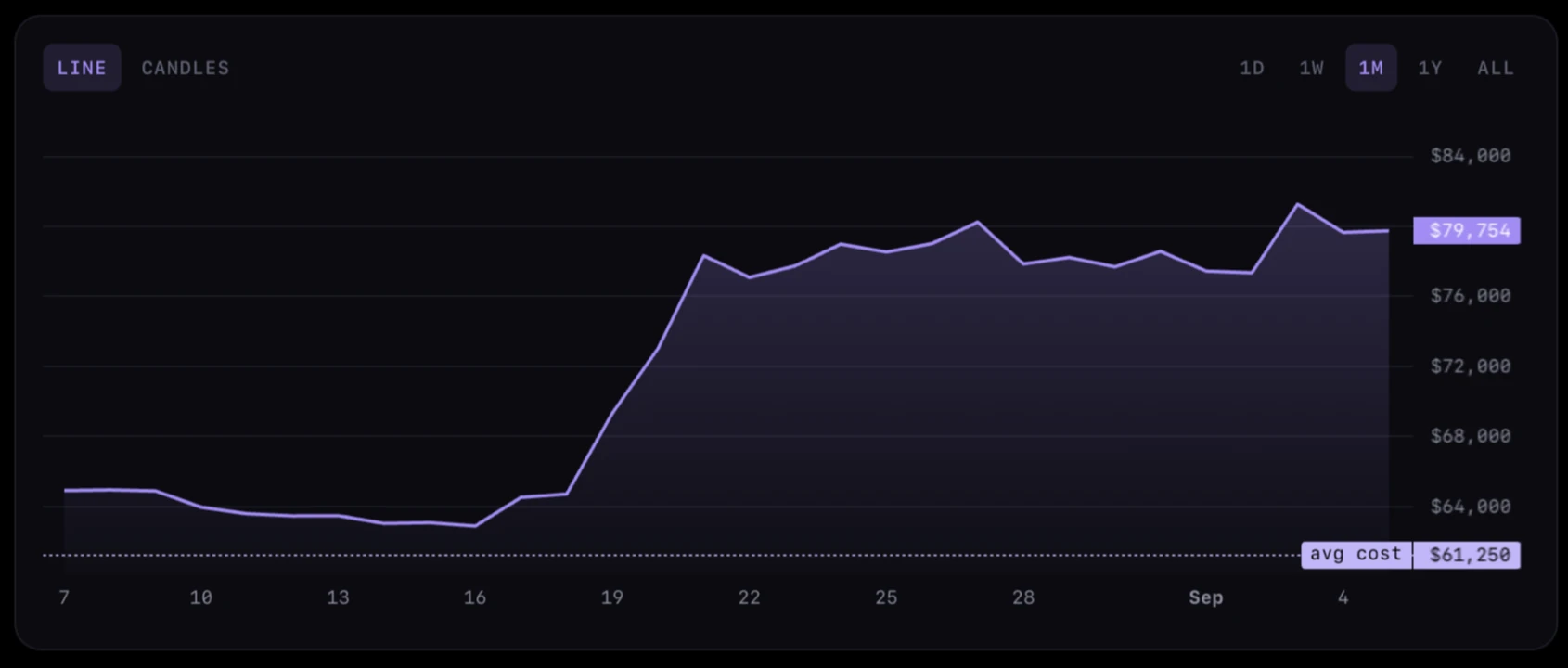
The exchange and market type are labelled at the top, so it is always clear which venue a price is coming from.
Entering your holdings
For each pair, add what you own and what you paid.
The common mistake is entering a single averaged position. If you bought BTC three times at different prices, add three entries. Moonitor computes the weighted average for you, and keeping the individual buys means the average stays right when you add a fourth. See tracking crypto profit and loss.
If you only want current value and do not care about profit, you can leave the purchase price empty.
Coins that are not on Binance
Each coin is priced through one market that you pick, so a coin you bought elsewhere can be priced there instead. All 16 are listed in supported exchanges, and the most common alternatives have their own guides: Kraken for fiat pairs, KuCoin for small caps, OKX, and Coinbase for dollar quoted pairs.
Coins held in a self custody wallet and never traded on a supported exchange are a gap. You can track them against whichever exchange lists the pair, and accept that the price is a reference rather than where your coins actually sit.
Keeping totals accurate
Because there is no sync, three things silently break a Binance portfolio over time:
- Trades made on the exchange but not recorded in the app. The most common cause of a total that looks wrong.
- Delisted pairs. If Binance delists a pair, its price feed stops. Move the holding to a pair that is still listed.
- Ticker renames. Rebrands and redenominations change the symbol. The old pair keeps working until it does not.
None of these are frequent, but all of them produce numbers that look plausible and are wrong, which is worse than an obvious error.
Free version limits
Moonitor is free to use, with live prices from every exchange on the list and no limit on how many transactions you record. The free plan holds up to 5 coins, 1 portfolio, 10 watchlist markets and 1 price alert. For a portfolio that is mostly BTC and ETH on Binance, that may be all you ever need. Moonitor Pro lifts those limits and is a one-time purchase rather than a subscription.
